Mollie payment links in BillMore
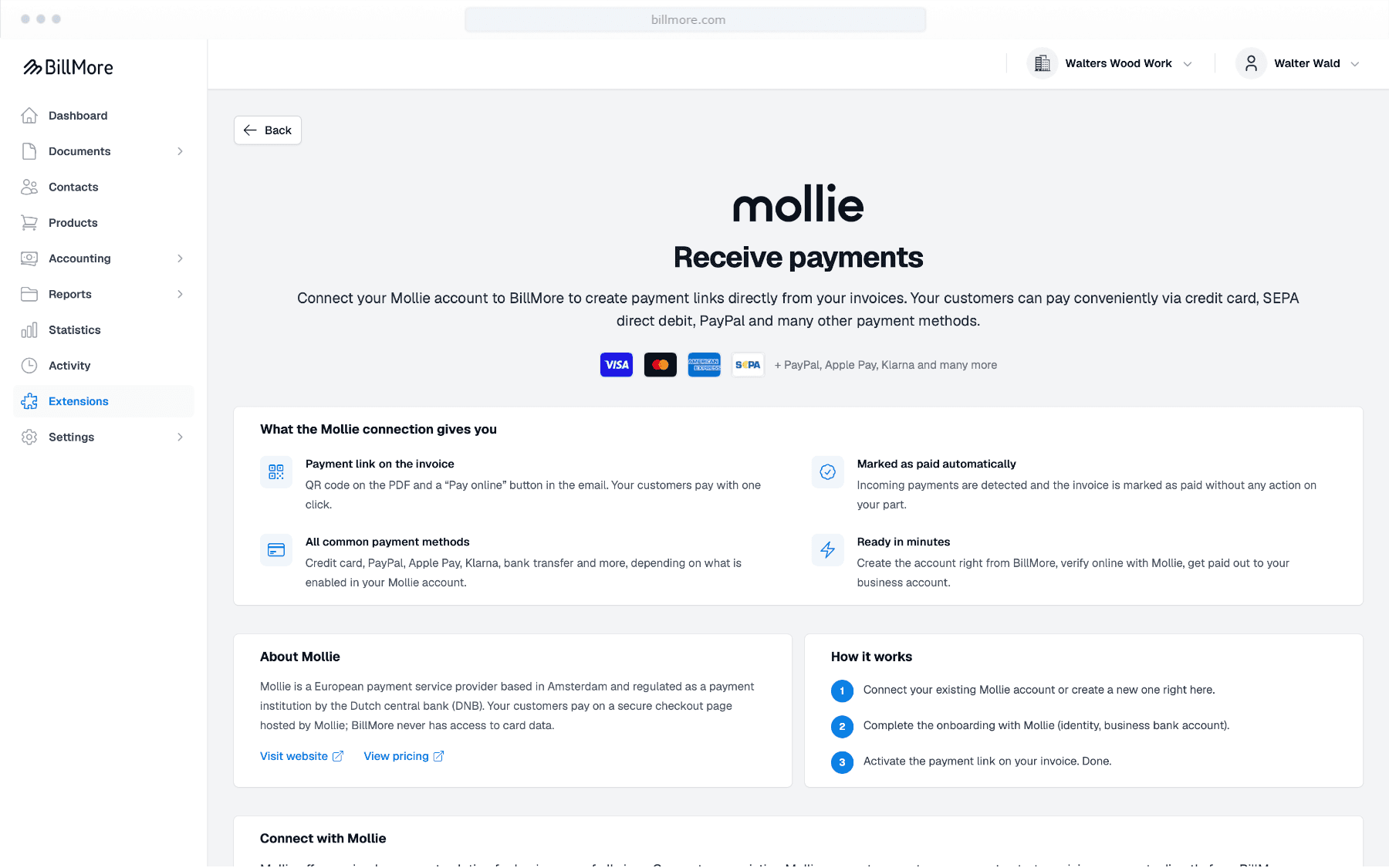
Connect your Mollie account to BillMore. You can create a payment link for each invoice so your customer can pay online. When the payment arrives, BillMore marks the invoice as paid automatically.
What is a payment link?
A payment link is a fixed address for paying an invoice. Your customer lands on Mollie’s payment page and pays with the methods you have enabled at Mollie, such as credit card, PayPal, Apple Pay, Klarna or bank transfer. You have two ways to send the link:
- In the email you send with the invoice, add a “Pay now” button or the same link in the text.
- On the PDF you can show the same link as a QR code. Your customer scans it with their phone.
Who is Mollie?
Mollie is a European payment service provider based in Amsterdam and supervised by the Dutch central bank (DNB). The payout goes to your business account at Mollie. BillMore does not hold the money and does not see card details.
BillMore charges no extra fee. Mollie’s transaction fees apply.

Benefits
Paid faster – without follow-up work
You write and send your invoices as before. Your customer can pay online right away, and BillMore marks the invoice as paid automatically.
For your customers
Pay straight from the invoice
Your customer opens the link in the email or scans the QR code on the PDF and pays on Mollie’s page. No need to type in the IBAN, amount and payment reference.
- Works on a smartphone too
- The payment methods you have enabled at Mollie
- Bank transfer via GiroCode or Swiss QR is still possible
For you
Less work after sending
As soon as the payment arrives via Mollie, BillMore marks the invoice as paid. No need to update the status by hand.
- Payment date and an entry in the history
- Payout amount after Mollie’s fees
- Overview of open and paid invoices
Setup
A payment link in three steps
Connect Mollie
In the web app under Settings › Extensions › Mollie, connect an existing Mollie account or create a new one directly in BillMore. Then finish onboarding at Mollie.
Put the link on the invoice
Enable the payment link on the invoice. The address stays the same, even if you finalize the invoice later. Your customer can pay as soon as the invoice is finalized.
Send the invoice
Send the invoice as usual. The payment link can go in the email you send with the invoice, and as a QR code on the PDF.
FAQ
Common questions about payment links
What happens with a refund?
With a partial refund, the invoice stays paid. With a full refund or a chargeback, it becomes open again, and the same link cannot be used again.
Does the link expire?
No. The link stays valid even if your customer closes the payment page. It becomes invalid when the invoice is paid or cancelled, or when you deactivate it.
Which documents get a payment link?
Invoices only. Your customer pays the invoice amount in one payment.
Can I still add the link after the invoice is finalized?
Yes. You can still create the link afterwards and send it by email. The QR code on the PDF has to be enabled before you finalize.
Does this work in the iOS app too?
You can view, copy, share and open an existing link in the app. Connecting Mollie, enabling the link and finalizing an invoice with a payment link currently works only in the web app.
Is the payment transferred to DATEV automatically?
No. BillMore only sets the status to paid. The handoff to DATEV remains a separate step.
What happens if I disconnect Mollie?
New payment links and the automatic status update pause until you connect Mollie again. Links that have already been created stay valid at Mollie.
More answers are in the FAQ.
Get started with BillMore
30 days free trial
Create a free account and test BillMore with almost all of its features - completely risk-free.
Contact
If you have any questions about using our app or would like to send us suggestions for improvement, we are available to you at any time in the following ways.
By email
Do you have any questions about using the app? Our team will be happy to help you. We try to answer all inquiries within 2-3 working days.
On the phone
We are happy to help you by phone. Our team is available around the clock. If you have specific technical questions, please send us an email.